All VST plugins, software units, and applications provided through Spectral Garden are experimental digital tools. While extreme care, rigorous testing, and attention to detail have been applied to ensure stable, high-performance architecture, all downloads and modules are provided "AS IS" without warranty of any kind.
Use of these VST units and software applications is strictly at your own risk. The creator assumes no liability for audio hardware clipping, data corruption, DAW crashes, or unexpected sonic anomalies.
[ PLATFORM AVAILABILITY ]
• Windows: Fully supported (VST3 / Standalone).
• macOS Support: Universal Binary / AU / VST3 support packages are coming soon. Stay tuned for updates.
C:\SYS\CONTACT_OPERATOR.TXT
SPECTRAL GARDEN // TRANSMISSION LINE
[ DIRECT SYSTEM INQUIRIES ]
For licensing, sound design collaborations, bug reports, or VST support inquiries, establish a direct data link with the network operator via email at raven@spectralgarden.net. Response times may vary based on local system load and reality anchor stability.
C:\SYS\ADMIN_CONSOLE.EXE
SYS_ADMIN:...
C:\PROG\VST_UNITS\MATRIX.EXE
VST MODULE READY
Select a paranormal synthesis module from the [ VOID ] menu below.
Windows is currently the only supported OS. Other OS support coming soon.
C:\PROG\GAMES\ASTRALS_END.EXE
KILLS0
LIVES: ❤️❤️❤️
LVL: 1/32
XP0/2000
ENERGY100%
HEALTH100%
[ ASTRAL'S END // FIELD MANUAL ]
Drag and release the core to slingshot it through the field. Collect allies and power-ups, avoid hostile entities, and survive each boss encounter.
👾
ORB HP: 100%
KILLS: 0
HIGH: 0
SPECTRALGARDEN
LEVEL 1
VOID SIGNAL RECONFIGURED
SYSTEM HALTED // PAUSED
PRESS [ESC] OR CLICK RESUME TO RE-ENGAGE CORE
SYS_CRASH // CORE DESTROYED
FINAL SCORE: 0
Enter your operator nickname for the local high-score matrix:
Spectral Garden is an independent creative software studio building practical tools and atmospheric digital experiences. This retro desktop is the studio's interactive front door; the applications, learning references, audio tools, and experimental games are also described here so visitors can understand what each project does before opening it.
One platform for tools, learning, and creative experiments
The projects share a curiosity about systems that are usually explored separately: astrology and symbolic reflection, sound design and digital signal processing, and interactive world-building. Each application is designed around a specific use rather than a single all-purpose dashboard. Visitors can explore birth-chart geography in Spectral Atlas, compare chart placements in Flame Finder, study an oracle deck with the Akashic Tarot reference, or browse audio experiments and game prototypes.
The desktop interface is an optional navigation experience, not a requirement for understanding or reaching the individual projects. The direct links below provide a crawlable route to each product and its supporting information.
Astrology tools: chart geography and relationship patterns
Spectral Atlas maps planetary angular lines around the world from birth data. It helps learners explore how astrologers interpret the Ascendant, Descendant, Midheaven, and Imum Coeli in location astrology, compare destinations, and inspect transits or line crossings. The map is an interactive study aid; its symbolic interpretations are not scientific predictions or a substitute for practical decisions about where to live.
Flame Finder brings together birth-chart compatibility tools, synastry reports, personal chart exploration, and community features. Synastry compares two natal charts to study inter-chart aspects and themes; it can prompt reflection, but it cannot determine whether a relationship is safe, healthy, or destined to succeed.
For a useful first reading, start with the birth time and place because the angles and houses are time-sensitive. Then interpret planetary aspects in context instead of treating one placement or line as a complete description of a person.
Tarot and oracle learning reference
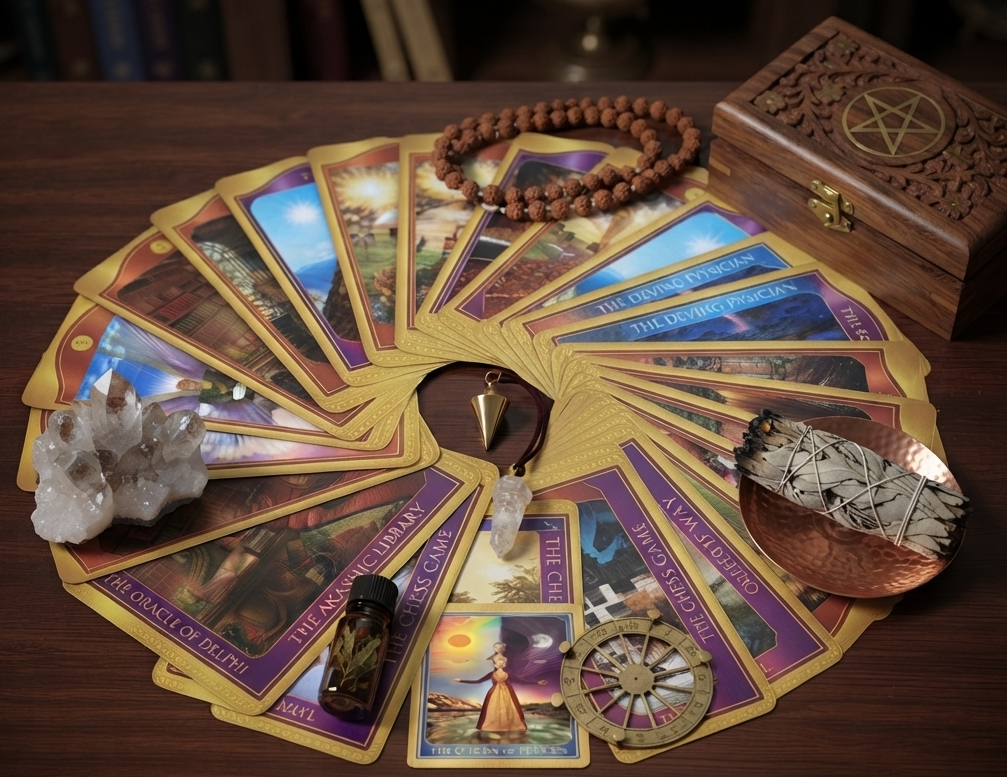
The Akashic Tarot reference is a searchable study companion for browsing card names and interpretations by deck section. Search and suit filters make it easier to revisit a card during personal study. Read any interpretation as a prompt for reflection, compare it with the imagery and guidebook, and remember that this independent reference is not affiliated with the deck's authors or publisher.
New readers can begin by recording the question, the card's image details, and their own first impressions before consulting a reference. That practice keeps a reading grounded in the reader's context rather than treating a single keyword as a fixed answer.
Interactive experiences and indie games
Astral's End is a playable arcade prototype in the desktop's VOID > GAMES menu. Its Three.js playfield opens in a separate, resizable game window with its own status controls. The visual effects are artistic software rather than scientific visualization.
Spectral Garden also develops Eden's Edge, an independent game project in development. Prototype availability and release details may change as development continues.
Audio plugin and VST collection
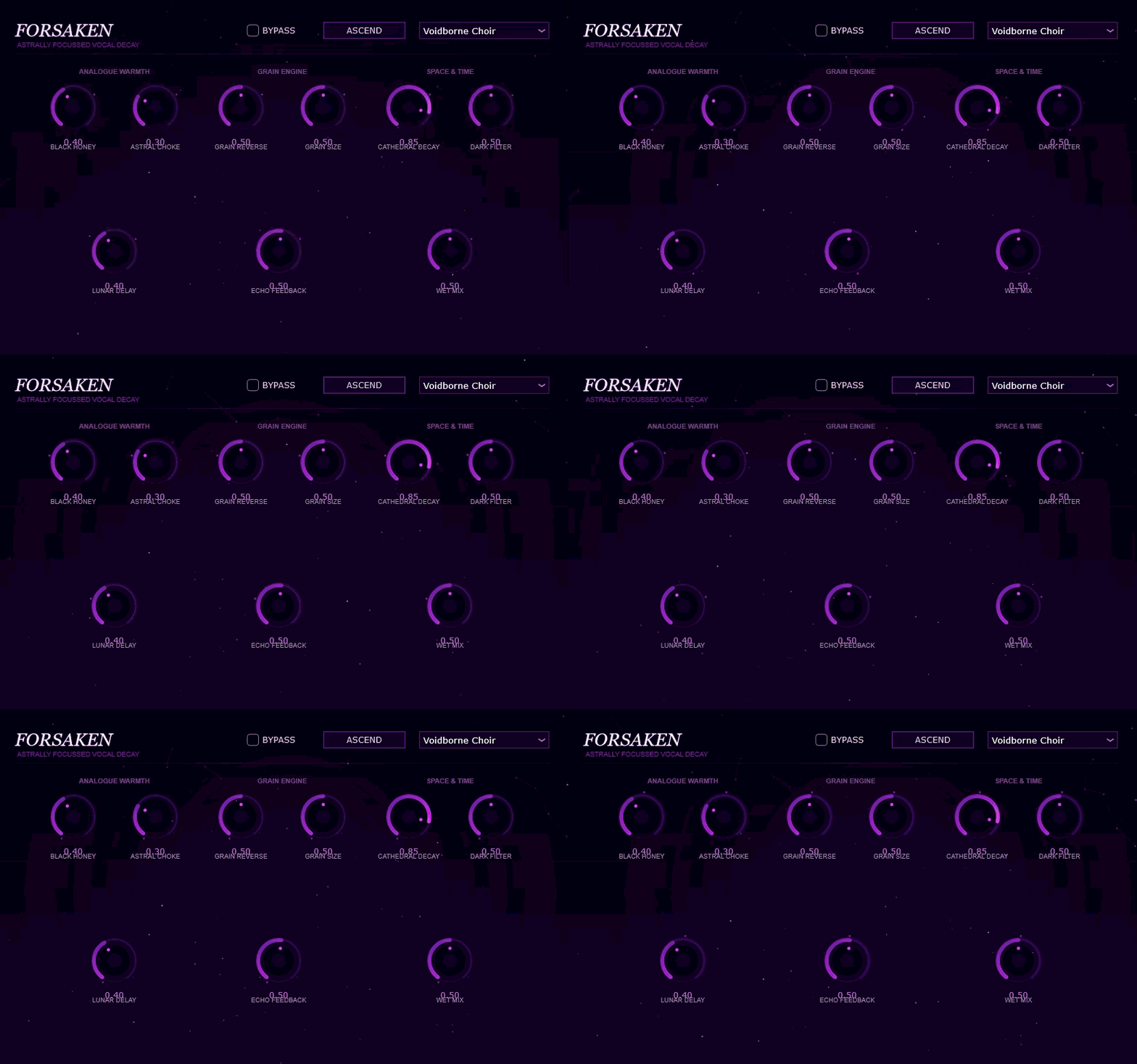
The audio collection explores practical mixing and sound-design tasks through distinct signal-processing approaches. CrescentQ is a parametric equalizer concept; Serpentine focuses on multiband dynamics and saturation; Wraithgate Vocoder explores filterbank-based spectral processing; Voidbreak, Echofield Reliquary, Downer, and Forsaken explore clipping, spatial effects, time manipulation, and formant shaping. Availability, formats, and compatibility are shown in each product's own release materials; check those details before using a plugin in a production session.
These tools are intended for music producers, composers, and sound designers who want to experiment with tone, dynamics, and texture in a digital audio workstation. Keep backups of projects and verify platform requirements before installing experimental software.
The desktop catalog also includes ArcaneGain, Etherforge Harmonics, Hexchant Harmonizer, Isolated, Sorrow Storm, Spectral Wraith, Trickster, Aether Bloom, and Hollow Light. Each module has its own sound-design focus; consult its current release notes for supported formats, system requirements, and installation instructions.
Educational resources and responsible interpretation
Our astrology tools are designed to make chart structures easier to inspect. In a natal chart, planets describe symbolic functions, signs describe styles of expression, houses describe areas of life, and aspects describe angular relationships between planets. Transits compare current planetary positions with a natal chart; synastry compares two charts; astrocartography projects angular relationships onto a world map. These are interpretive traditions, not evidence-based forecasting methods.
Our tarot reference supports card study rather than deterministic advice. Use these tools for curiosity, journaling, and creative reflection—not as replacements for medical, legal, financial, or relationship-safety guidance.
Project documentation and developer story
Spectral Garden is created by Raven, an independent developer exploring the overlap between software engineering and expressive design. The retro desktop combines draggable windows and a taskbar with Web Audio feedback; the Three.js arcade scene runs only inside the dedicated game window. The linked applications remain independently usable. Technical notes and release information are maintained alongside each project's source and distribution page. For licensing, accessibility feedback, bug reports, or plugin support, use the Spectral Garden contact address.
It is an independent software studio and project hub for astrology and tarot study tools, audio plugins, and experimental interactive media.
Do I need to use the desktop interface to access the apps?
No. The direct application links in this guide open Spectral Atlas, Flame Finder, and the Akashic Tarot reference without using the desktop menus.
Are the astrology results scientific predictions?
No. Astrology is a symbolic interpretive practice. The calculations map astronomical positions into an astrological framework, but the interpretations are not scientifically validated predictions.
How do I play Astral's End?
Open VOID, choose GAMES, and select Astral's End. The game opens in a resizable window with its own stats and controls; drag and release the core to launch it.
Where can I find plugin compatibility and installation details?
Consult the release information associated with each plugin before installing it. Compatibility and platform support depend on the current release.